

How to Watch FIFA World Cup 2026 in Bali with Telkomsel MAXStream
Watching FIFA World Cup 2026 in Bali is easy with Telkomsel MAXStream. BaliEasy can help you set it up. There
Yes, you can still use your phone in Indonesia without registering the IMEI, but it depends on how you plan to stay connected.
If you only use Wi-Fi, or you keep using your home SIM with international roaming, your phone can work normally without IMEI registration. The limitation starts when you want to use an Indonesian SIM or eSIM on a foreign-bought device, because Indonesia’s system requires the device IMEI to be recognized in order to access local cellular networks.
IMEI registration is about your device, not your SIM. In Indonesia, Customs (Bea Cukai) explains that phones, tablets, and similar cellular devices brought from abroad must have their IMEI registered so they can access Indonesian mobile networks.
So the key question is not “Will my phone turn on?” but “Will my phone be allowed to connect to Indonesian cellular service using a local Indonesian SIM or eSIM?”
Read more: IMEI Registration Cost in Indonesia: How Much You Pay
If you rely on hotel Wi-Fi, café Wi-Fi, or a portable Wi-Fi device, your phone will work as usual. You can still use WhatsApp, email, Google Maps, and everything else that runs over Wi-Fi.
This option is simple, but you will lose reliable connectivity when you are outside Wi-Fi coverage.
Indonesian guidance commonly states that foreign visitors who use a foreign SIM as an inbound roamer do not need to register IMEI and can use international roaming services instead.
This is the most “hands-off” option, but it can be expensive depending on your provider.
If you do not need local calls or a +62 number, Wi-Fi and roaming are usually enough for a short holiday.
A commonly referenced Customs explanation is:
If your goal is to use an Indonesian number reliably (especially beyond a short visit), you should plan on IMEI registration.
What usually happens is not that your phone stops working entirely, but that cellular service becomes restricted.
If your phone was purchased overseas and the IMEI isn’t registered/recognized, you may be unable to use Indonesian mobile data, calls, and SMS with a local SIM/eSIM. That’s exactly what Bea Cukai warns about when they link IMEI registration to “access to Indonesian cellular networks.”
In practice, travelers in this situation end up relying on:
Another option is using international roaming eSIMs, such as:
These eSIMs usually work without IMEI registration because they operate as roaming services rather than Indonesian local numbers.
However, compared to local Indonesian eSIMs, roaming eSIMs are usually:
In practice, this also means roaming eSIMs often end up more expensive than using a local eSIM Telkomsel, especially for travelers staying more than a few days in Bali or Indonesia.
Bea Cukai explains that if you brought an overseas device and it was not registered, you can still register it at a Customs service office as long as it is within a time window (they mention up to 60 days since arrival in their general guidance).
Read more: Declaring Mobile Phone in Indonesia
If you want the smoothest experience with local data + a +62 number (especially for ride-hailing, WhatsApp verification, local calls, hotspot), you should treat IMEI readiness as part of your connectivity checklist.
If you’re unsure which setup fits your trip, you can get a Bali-optimized local eSIM through eSIM BaliEasy, and we’ll guide you on what to prepare (IMEI details, device checks, and timing) so you don’t waste your first day troubleshooting.
Watching FIFA World Cup 2026 in Bali is easy with Telkomsel MAXStream. BaliEasy can help you set it up. There
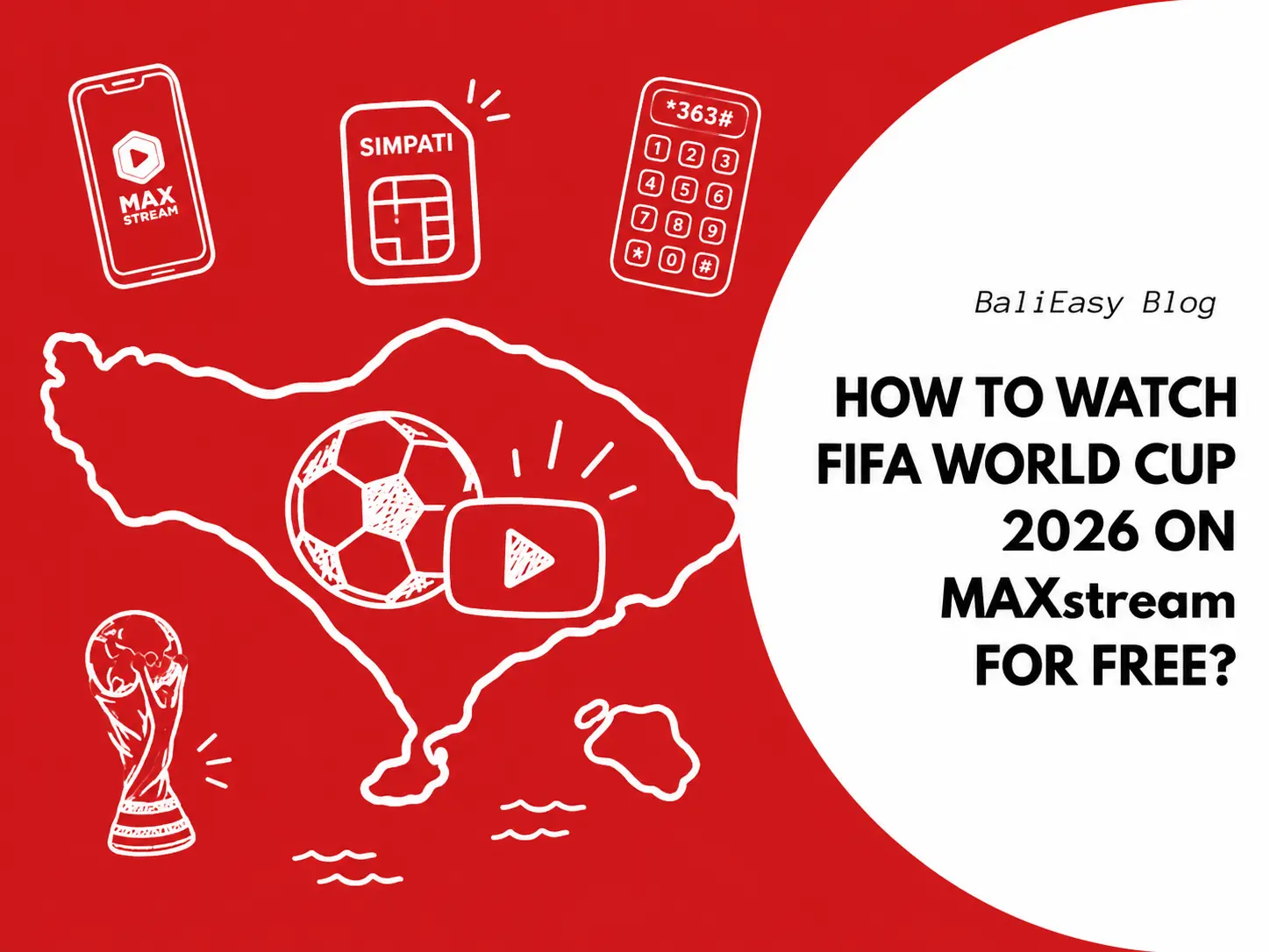
Good news for Telkomsel SIMPATI users. After registering your Telkomsel SIMPATI eSIM or SIM card, you can claim the Bola
Discount Applied Successfully!
Your savings have been added to the cart.
WhatsApp us
All transactions and purchases operate as normal.
Please note that during Nyepi Day (Balinese Day of Silence) on March 19, 2026:
Thank you for your understanding.
📌 How It Works: